Read Today.
Today is the home view after sign-in. The list at the top is the work: each line has one main button that does it or opens it.
Open Today
Needs you now lists open alerts, BE AI proposals waiting for approval (approve them right there), machines that are offline, full or failing a check with no alert yet, tickets past due, and machines on an older agent, worst first. Under it, machines says how many of the machines included in alerts are fine; a machine with alerts turned off is mentioned, not counted. The chart is the last day / week / month. Disks that will be full within 90 days are See which disks are filling up. BE AI runs and recent events sit on the right.
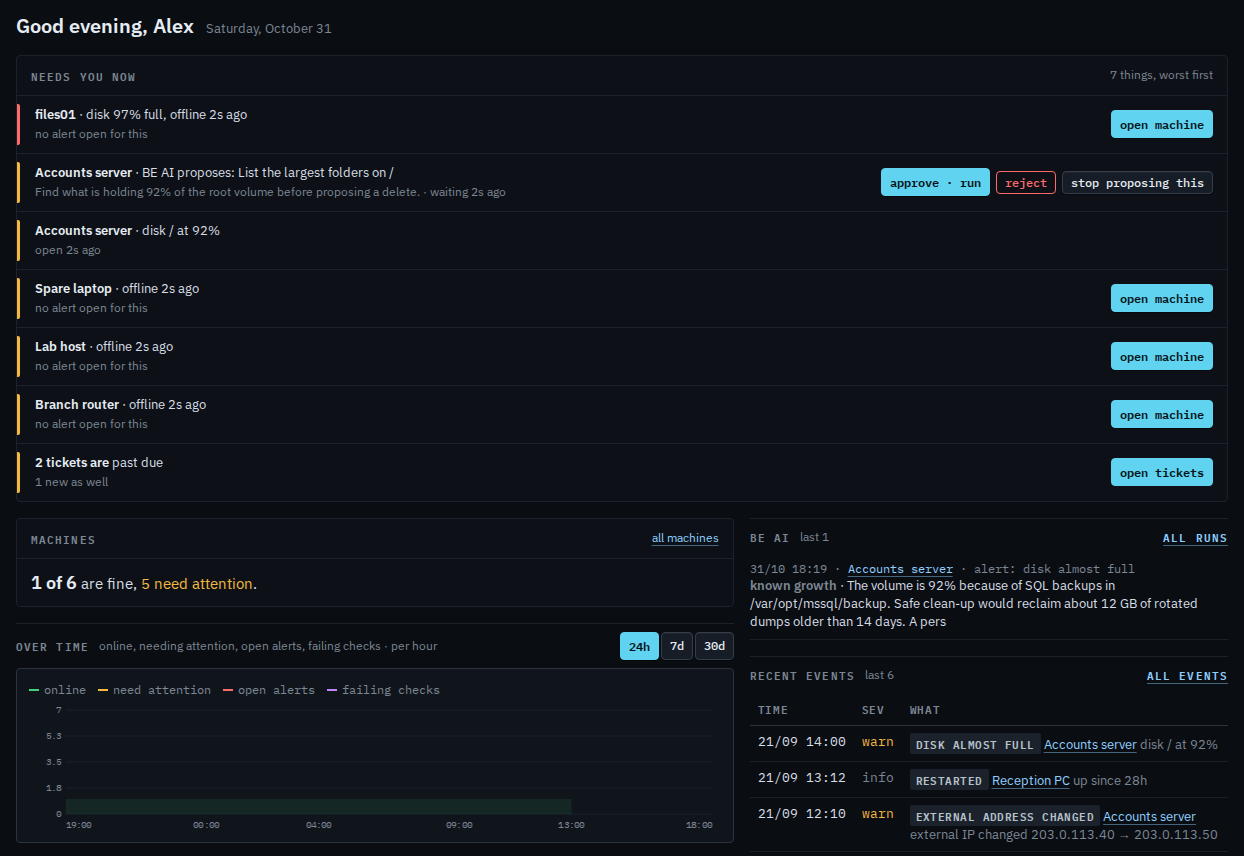
The chart under the tiles switches between a day, a week and a month in Change the dashboard chart range.