how-to · Knowledge base
Open this in the console
Use the knowledge base.
Tickets › knowledge base holds how-tos and fixes, plus a written profile of every company and requester. Published articles are what the portal shows requesters; everything else stays with technicians. Every save keeps a revision.
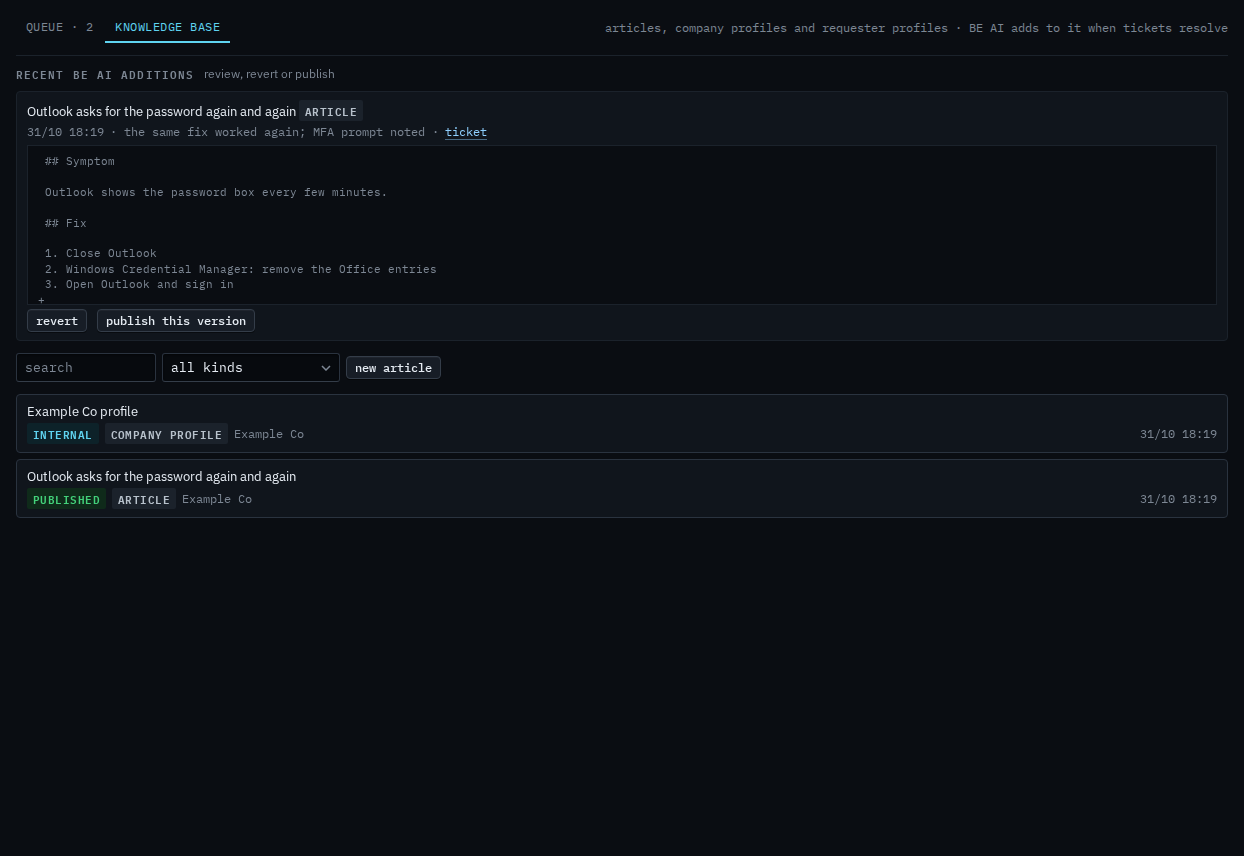
BE AI writes straight into the knowledge base when a ticket resolves. Nothing it writes reaches a requester until you publish: a new article is internal, and an addition to a published article changes the working copy, not the published one.
01
Recent BE AI additions
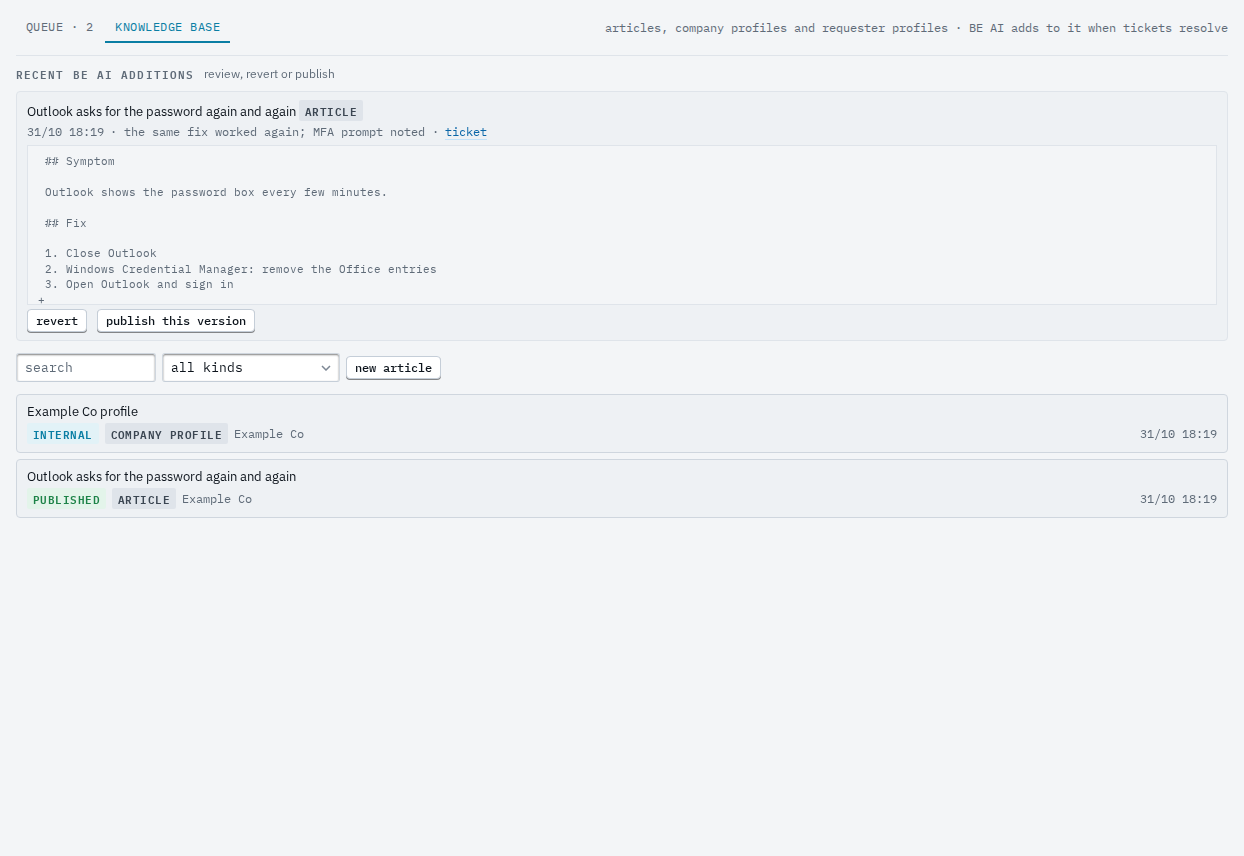
The tab opens on what BE AI added lately, each with the lines it changed. revert puts the article back; publish copies the working copy to what the portal shows.
02
Write an article
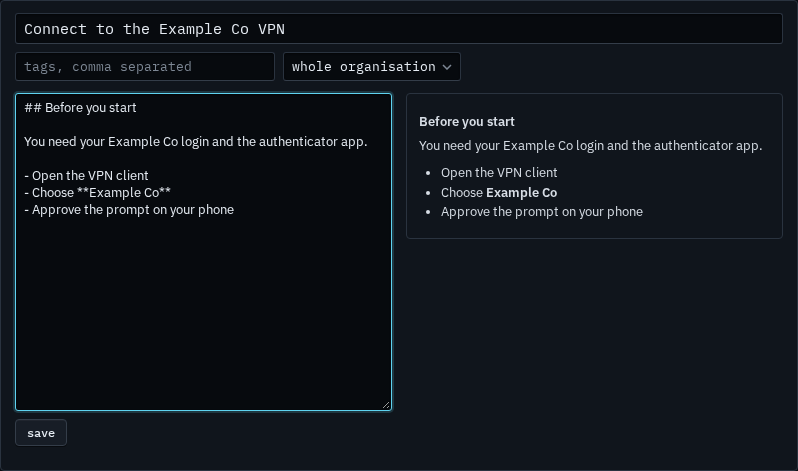
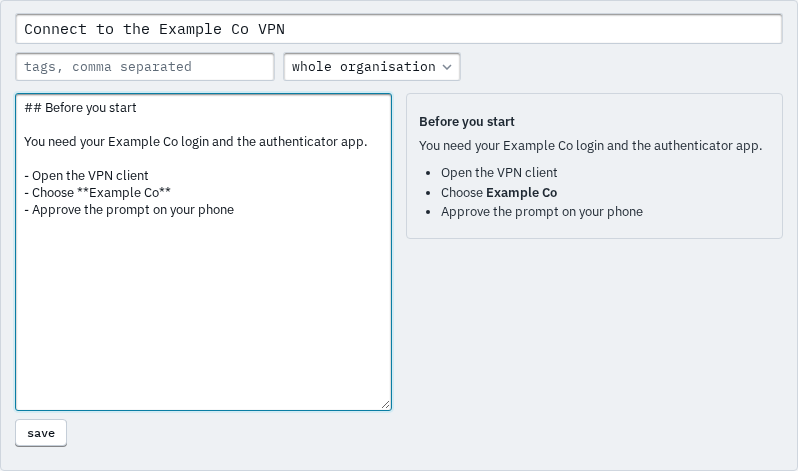
new article opens the editor: a title, tags, the company it is for (or the whole organisation), Markdown on the left and the preview on the right. Save keeps it internal; publish makes it visible on the portal.
Reopening a ticket reverts what BE AI wrote from it. The profiles are also linked from every ticket's header.