Accept or reopen a security finding.
Accepting needs a reason, and a second press to confirm. Reopen puts the finding back in the score. A machine that no longer has the problem closes it by itself; marking a finding done does not close it, the next check does. Under the cause, "If not handled" says what happens if it is left. A vulnerability finding also shows its confidence, the fixed version (or no fix yet, or check the vendor) and links to each flaw.
Write the reason and press accept twice
Type why it is accepted, then press accept. The button asks confirm: accept; press it again. The finding turns accepted, with your reason, and the score goes up. reopen undoes it.
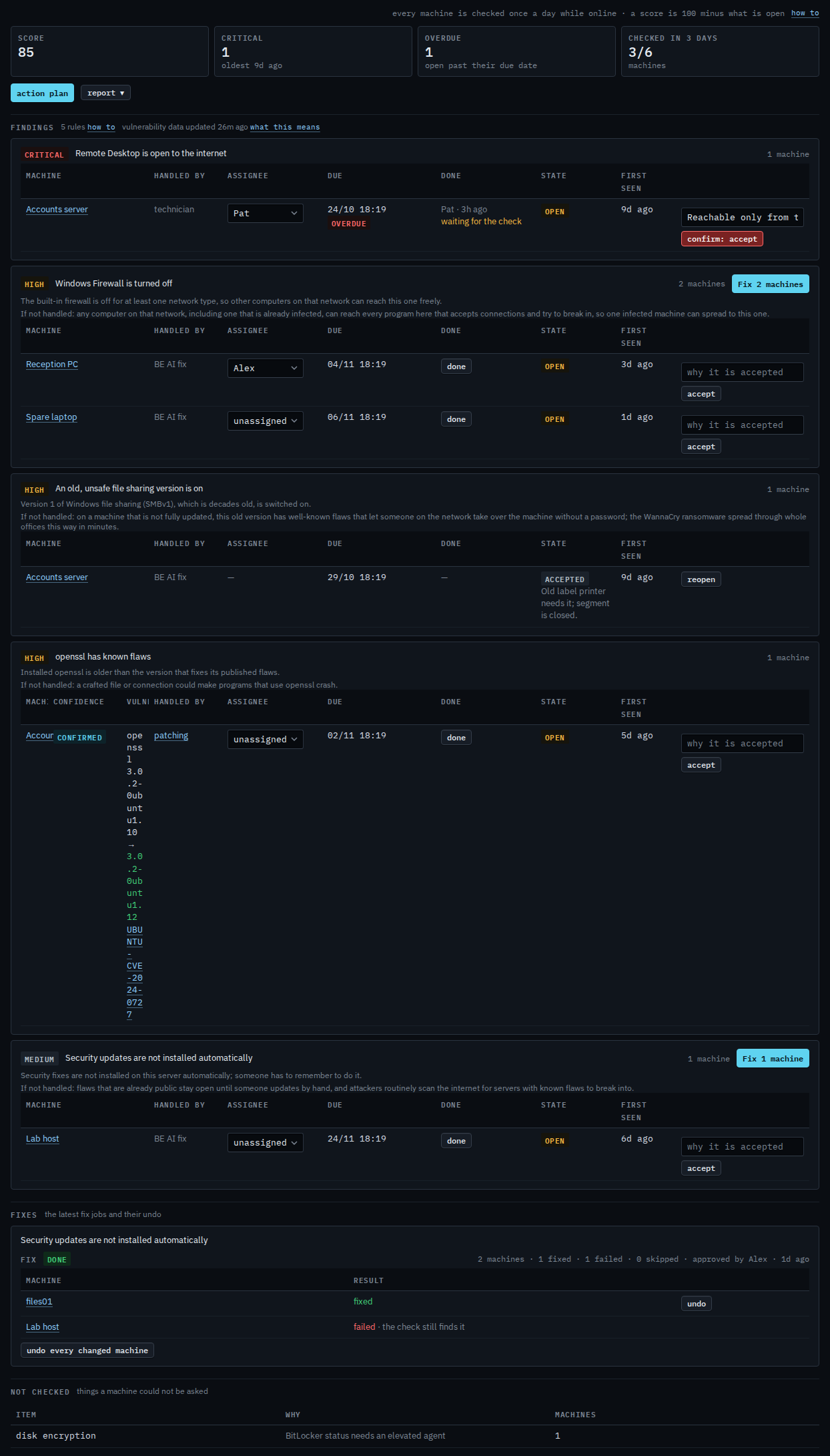
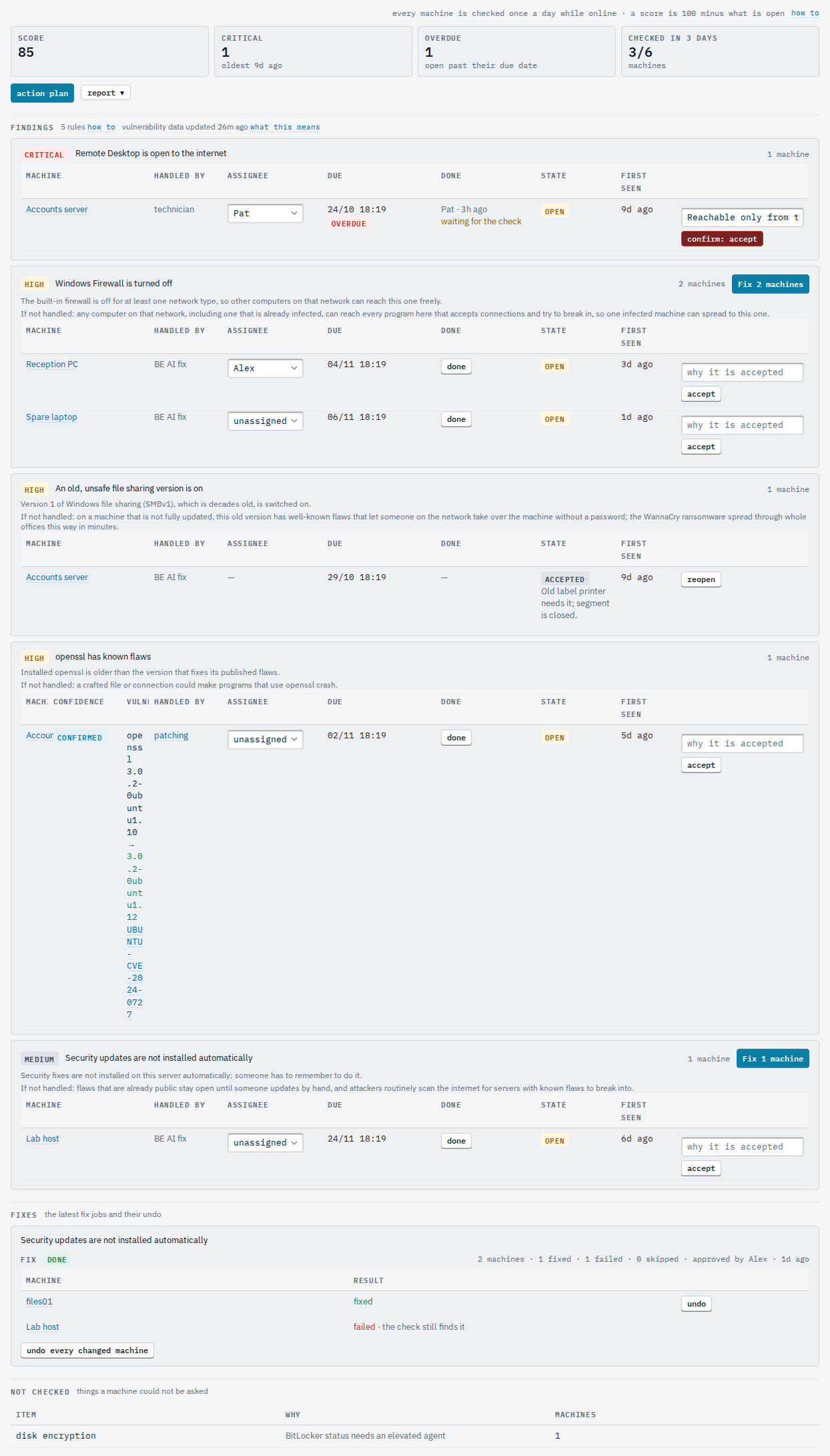
Reading a vulnerability finding: Read a vulnerability finding. Assigning a finding, its due date and marking it done: Work through the security checklist. Customer logins see the findings but not the accept and reopen buttons. The same list for one machine is on its Security tab under Work, with the machine's fix history. To take a whole machine out of Security (a lab box, one being retired), open its Security tab and use leave this machine out of Security at the bottom: it needs a reason and a second press. Its findings are removed and it is no longer checked, scored, reported or offered fixes. The machine's tab then shows who left it out and why, with put back; the Security page lists left-out machines.