Build a report of the fleet.
Reports are for the question you ask every Monday, not a live investigation. Discuss from a report asks BE AI about that set of machines.
Open Reports
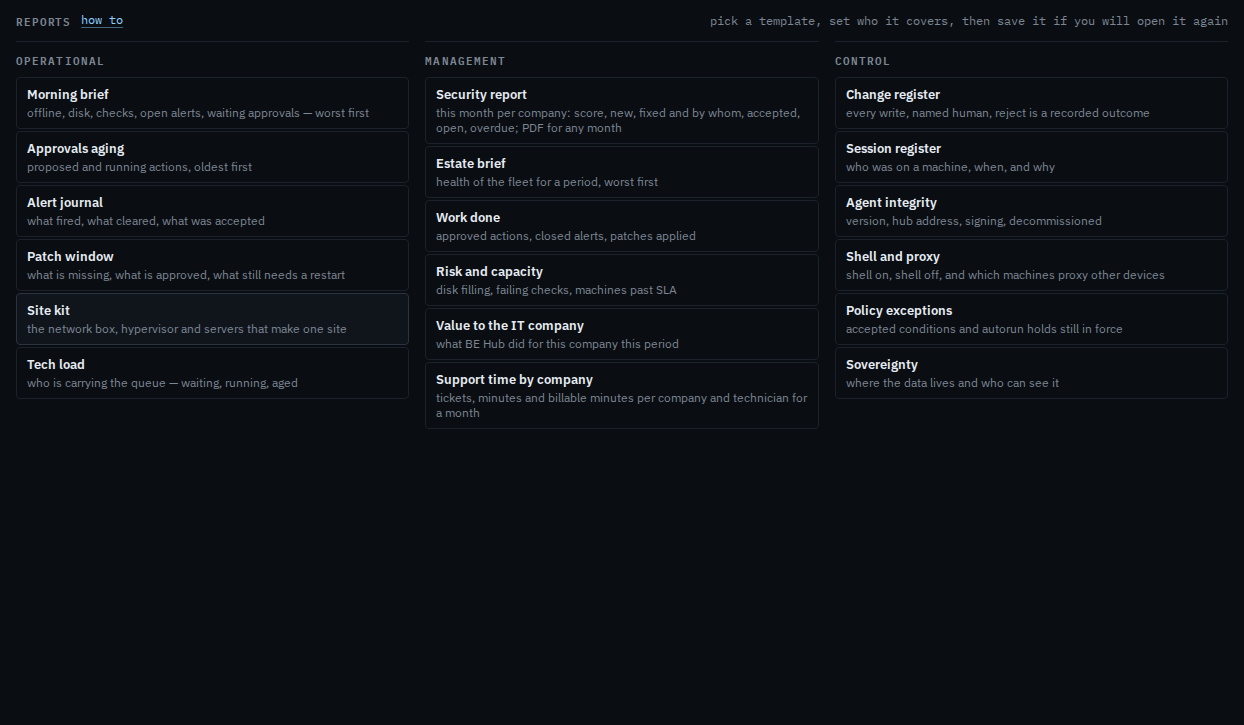
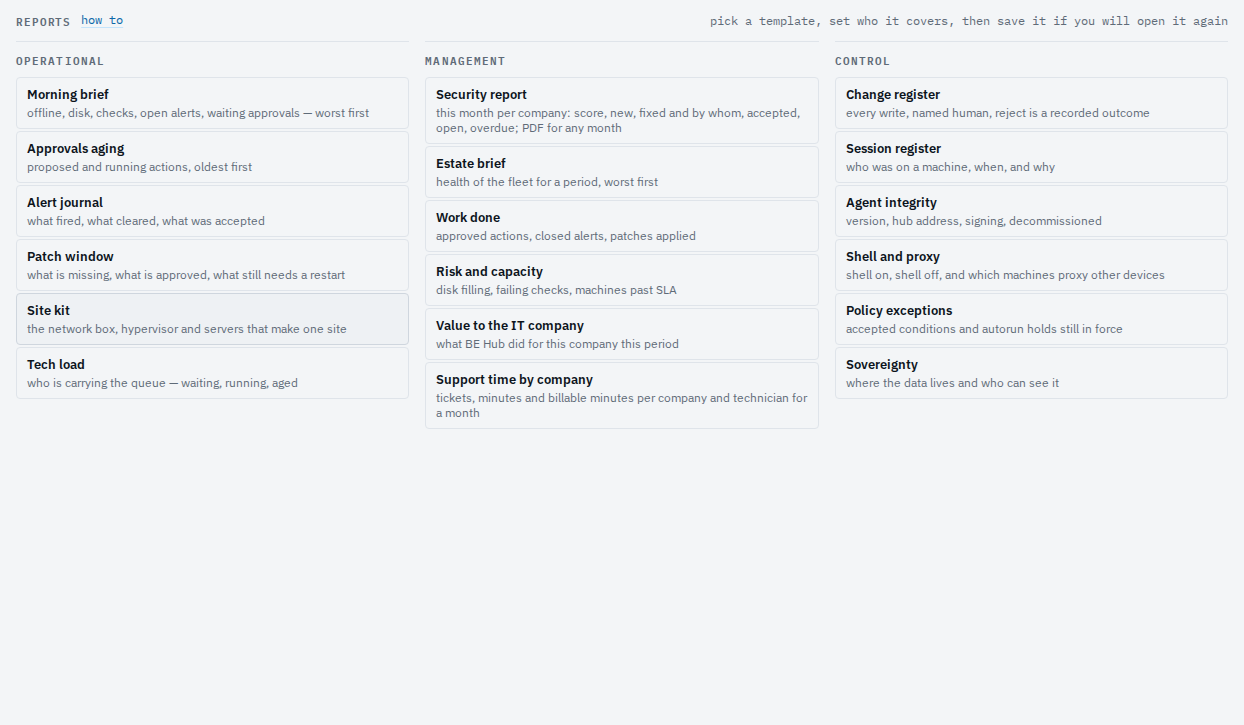
Pick a kind. Morning brief is who needs a look. Approvals aging is actions still waiting. Alert journal is what fired, cleared, or was accepted. Patch window is what is missing. Shell and proxy is who can run a command. Every card opens a live report. Site kit groups machines by their site tag; Tech load is who carries the tickets and security to-dos; Estate brief, Work done, Risk and capacity and Value to the IT company are the management view; Change register, Session register, Agent integrity, Policy exceptions and Sovereignty are the control view. Work done, Value, Change register and Session register take a period (last 7 days unless you pick another). Filter by type or tag — servers only is the type tick. Save a report you will open again keeps those filters. Delete a saved report takes the name off the menu. Discuss on a report is Ask BE AI about the machines in a report.