how-to · Tickets
Open this in the console
Reply to a ticket.
The reply box at the bottom of a ticket does both. Pick reply to requester or internal note, attach screenshots by dropping or pasting them, and send. The first public reply stops the response clock.
Paste a screenshot straight into the box. It is uploaded when you press send, and the requester sees it in the email and on the portal.
01
Write the reply
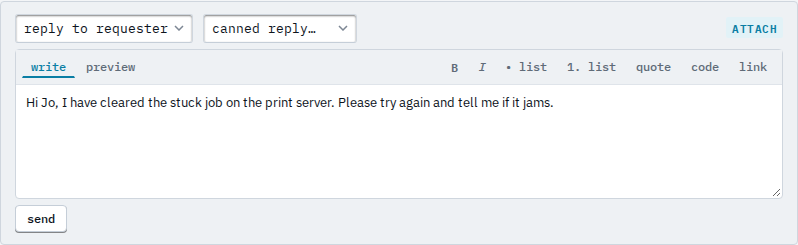
With the ticket open, write in the reply box. The select on the left decides who sees it: reply to requester emails them, internal note does not leave the hub. A canned reply drops its text in.
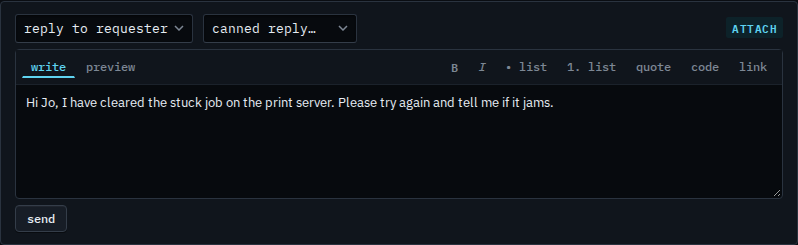
Canned replies are set up under Settings › service desk. Setting a ticket to pending pauses its resolve clock while you wait on the requester; their reply sets it back to open.