Use BE Hub on a phone.
On a phone the console is the same product with a different shell. The list and the machine are never on screen together. Discuss, control and terminal move to a bar above the navigation.
Machines is the fleet
The bottom bar is Today, Machines, Act, Desk and Setup. Machines is the fleet list. Groups start collapsed. A count on Act is approvals waiting.
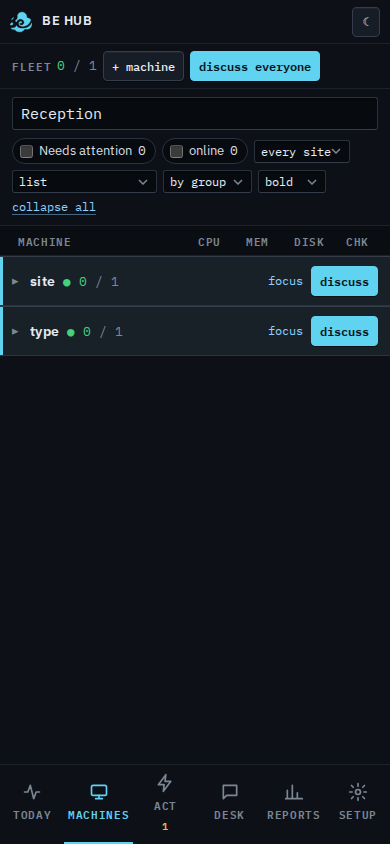
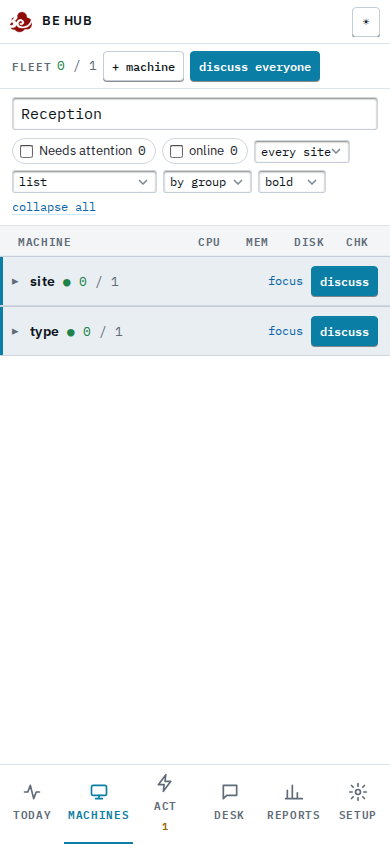
Open a machine
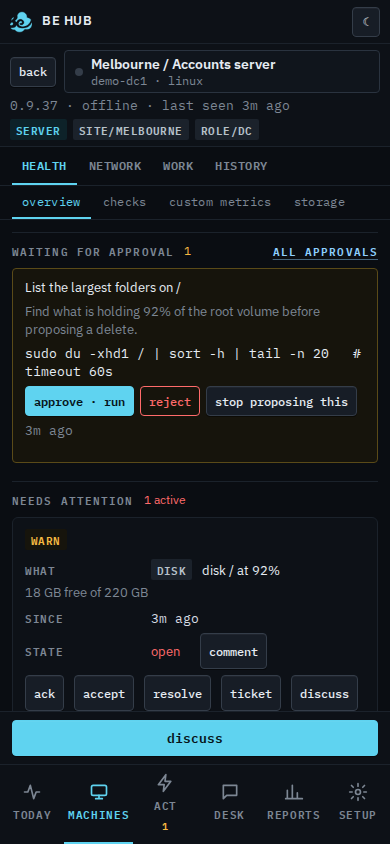
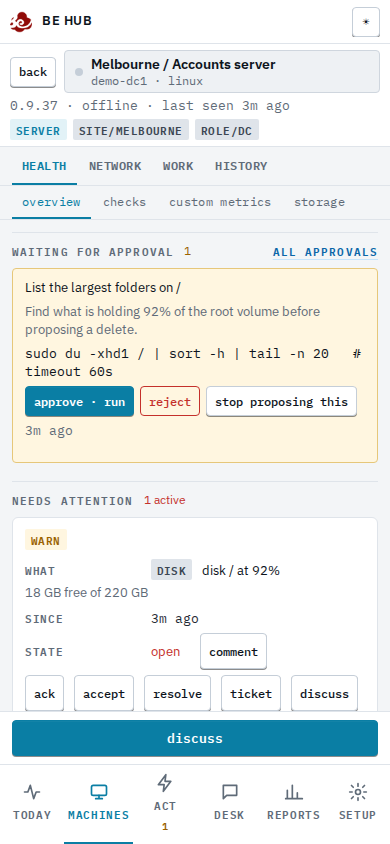
Tap the name. The list goes away and the machine fills the screen. Back returns to the list. The bar above the navigation is discuss, and — when the machine is connected — control, watch, and terminal on Linux or FreeBSD. Those open their own window, same as on a desktop.
The bottom bar is the menu
The bar has the same five groups as the menu on a computer. Today and Machines open their page. Act (approvals, alerts, patches, security, scripts, BE AI runs), Desk (tickets, reports) and Setup open a sheet of their pages. Setup also has your name, the light or dark theme, notes, help and sign out. Tap a page and the sheet closes onto it.
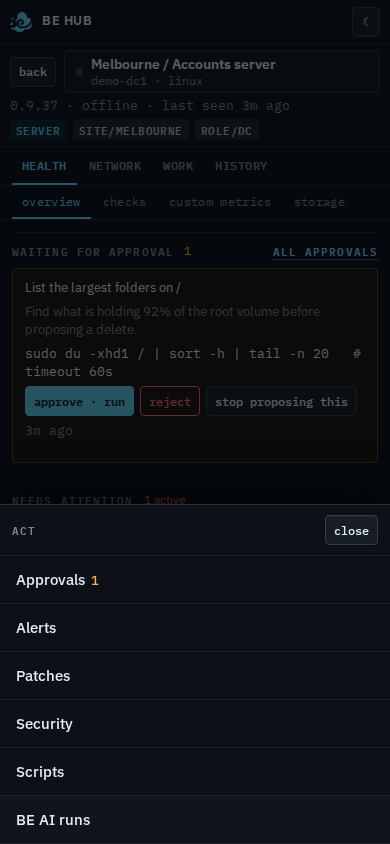
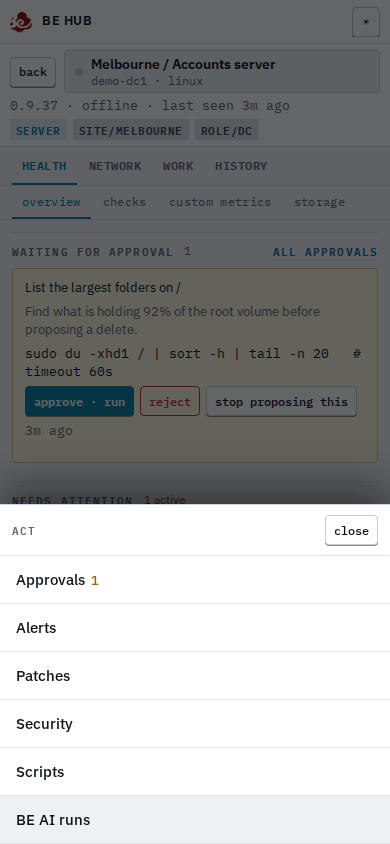
More holds the rest of the console: Scripts, Patches, Reports, your name, notes, help and sign out. The desktop left rail is not on the phone.