Show only one kind of event.
Events. All events is the default; the list follows the menu as you change it.
Open Events
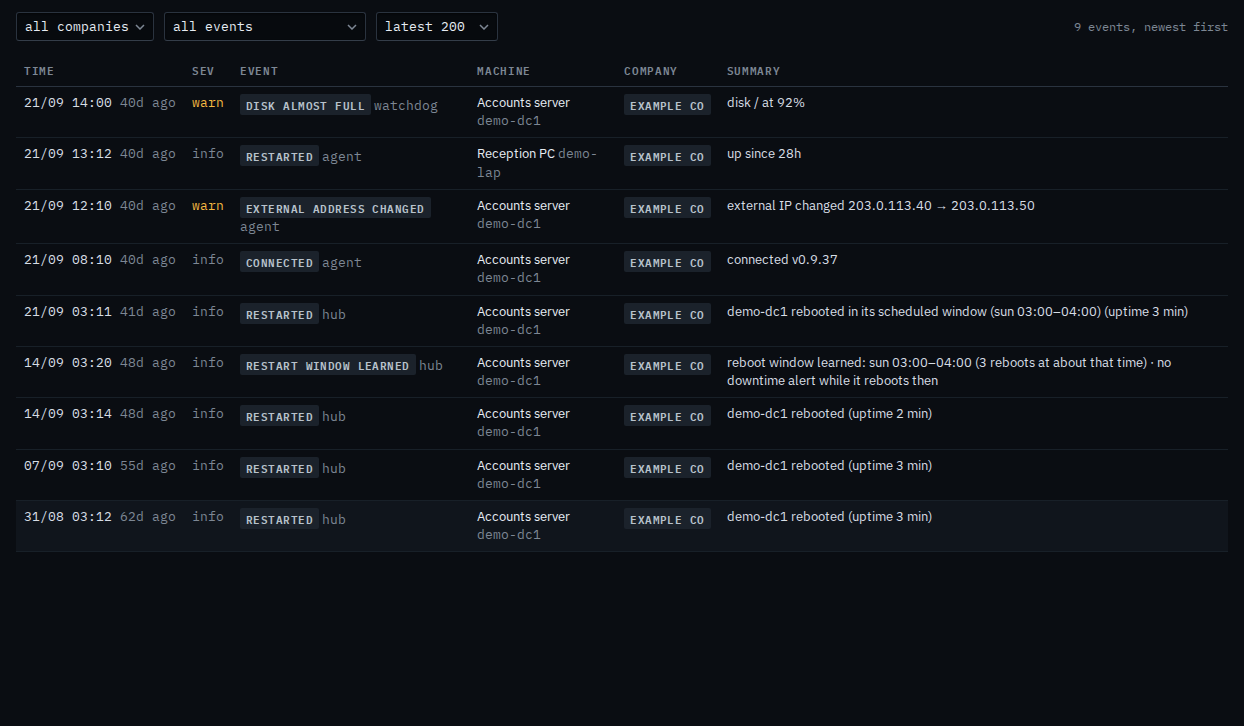
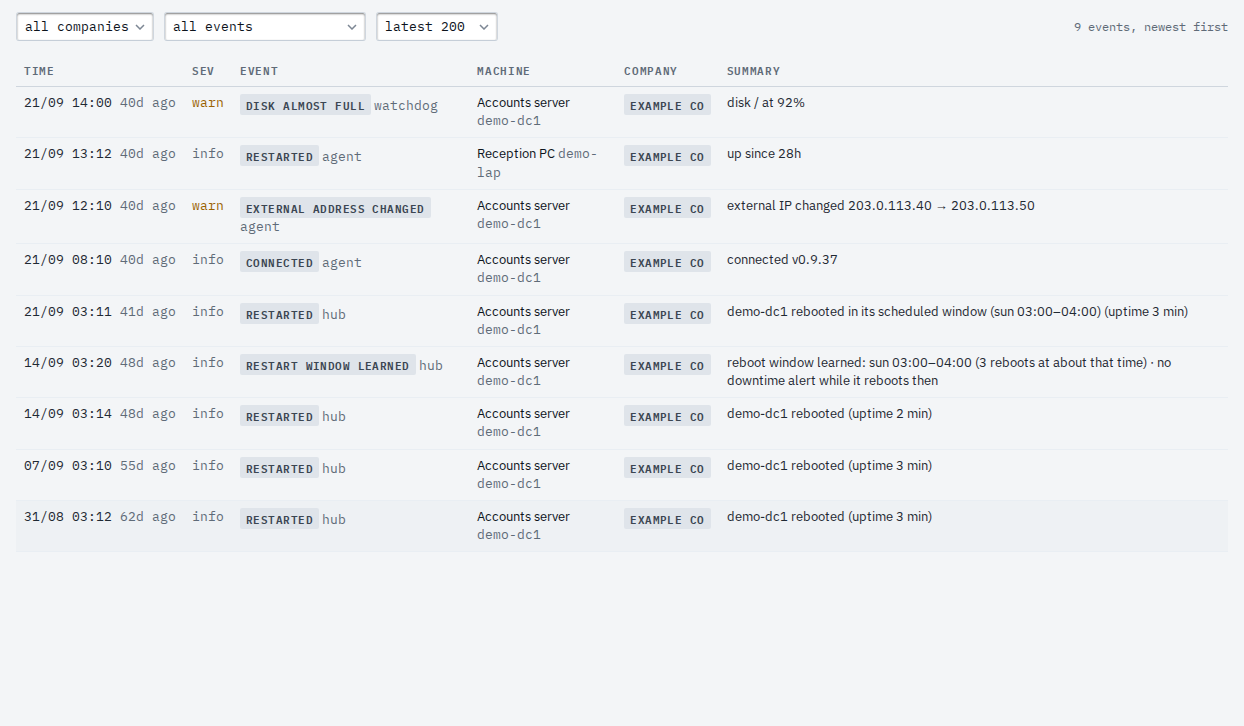
Open Events. The menu says all events. Example Co has four: disk almost full on Accounts server, the external address change on that same machine, a reboot on Reception PC, and the hello from when Accounts server connected. Newest first. Changing the menu reloads the list at once.
Pick disk almost full
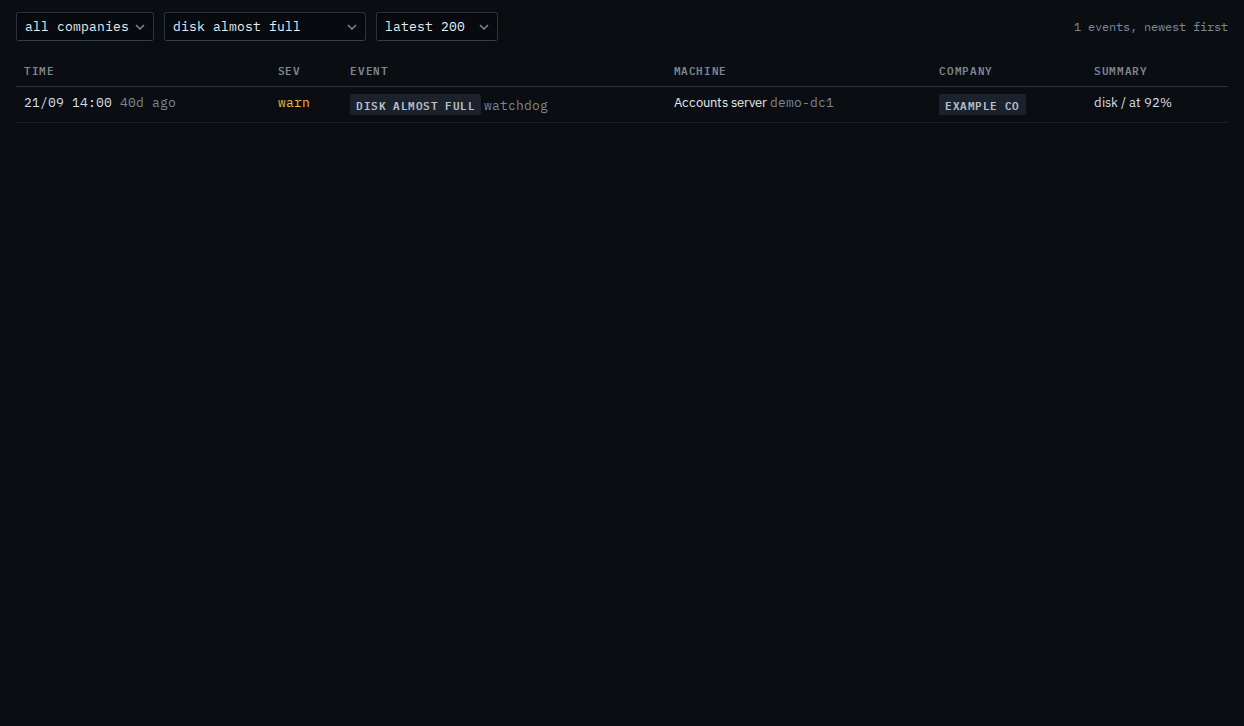
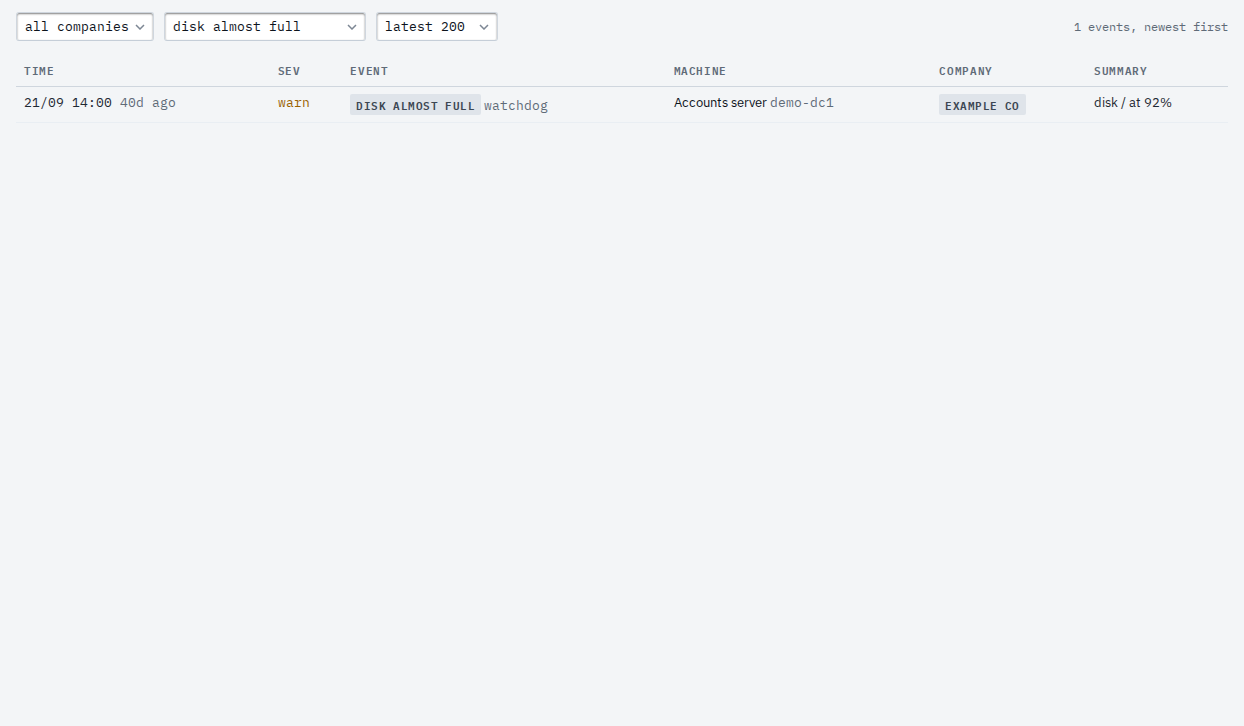
Set the menu to disk almost full. The reboot, the address change, and the hello drop out. Accounts server's disk line stays. The count says 1. Set the menu back to all events to see the other three again. Nothing is deleted.
The unfiltered list is Read the event stream. One machine, including a severity filter, is Read one machine's events and Show only warnings on one machine. The same menu for a sub-company user is Show only one kind of event on your machines.