how-to · Settings
Open this in the console
Set up ticketing.
The organisation's owner switches ticketing on under Settings › service desk. Targets are minutes of business time within the hours you set, so the clocks pause overnight and at weekends.
Urgent means the company cannot work; high means one person cannot. The defaults are 30 minutes to respond and 4 hours to resolve for urgent, down to a day and five days for low.
01
Hours, targets, categories
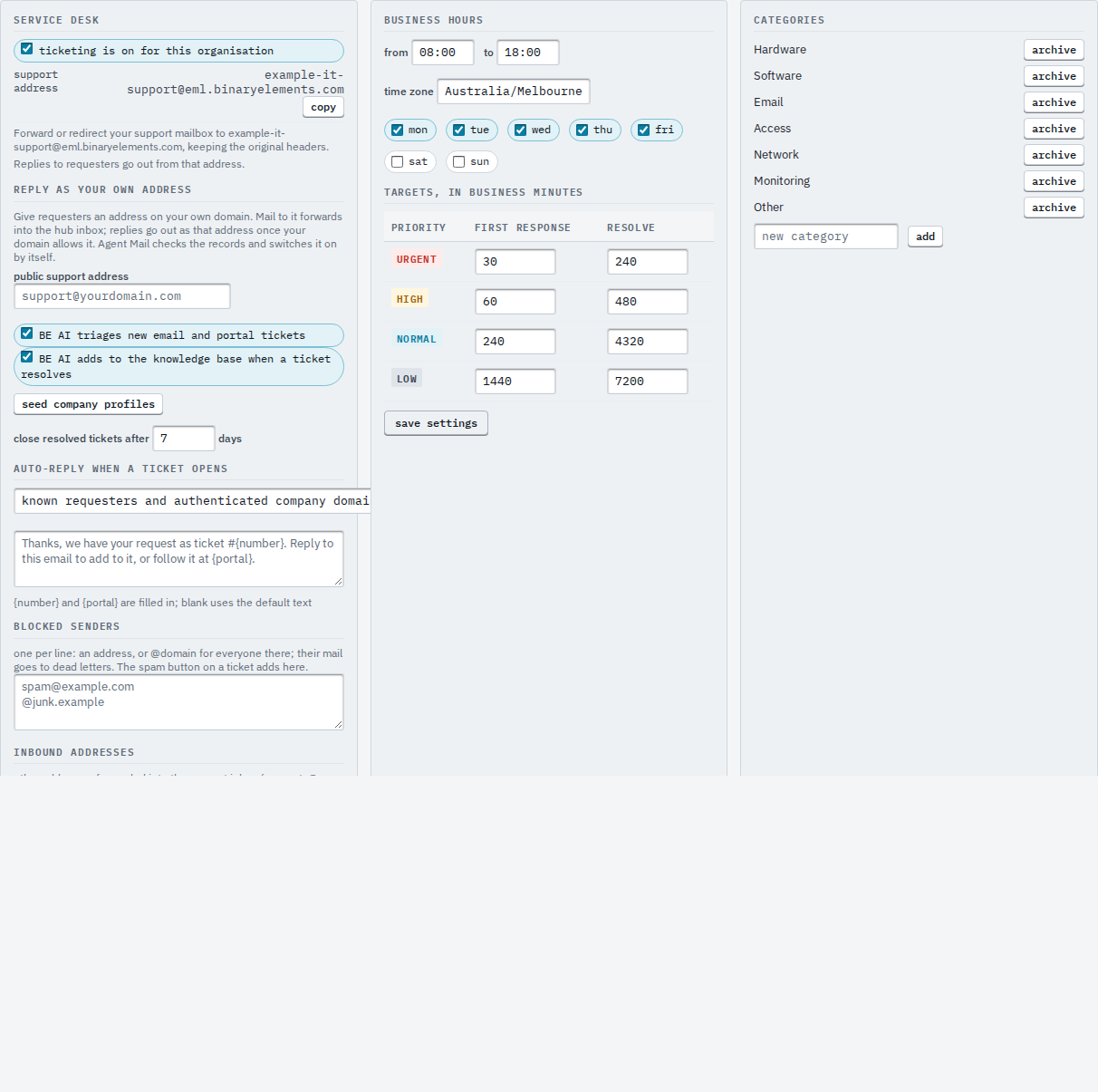
Set the business hours and time zone, then the first-response and resolve targets per priority. Categories and canned replies are managed on the same tab. Press save settings.
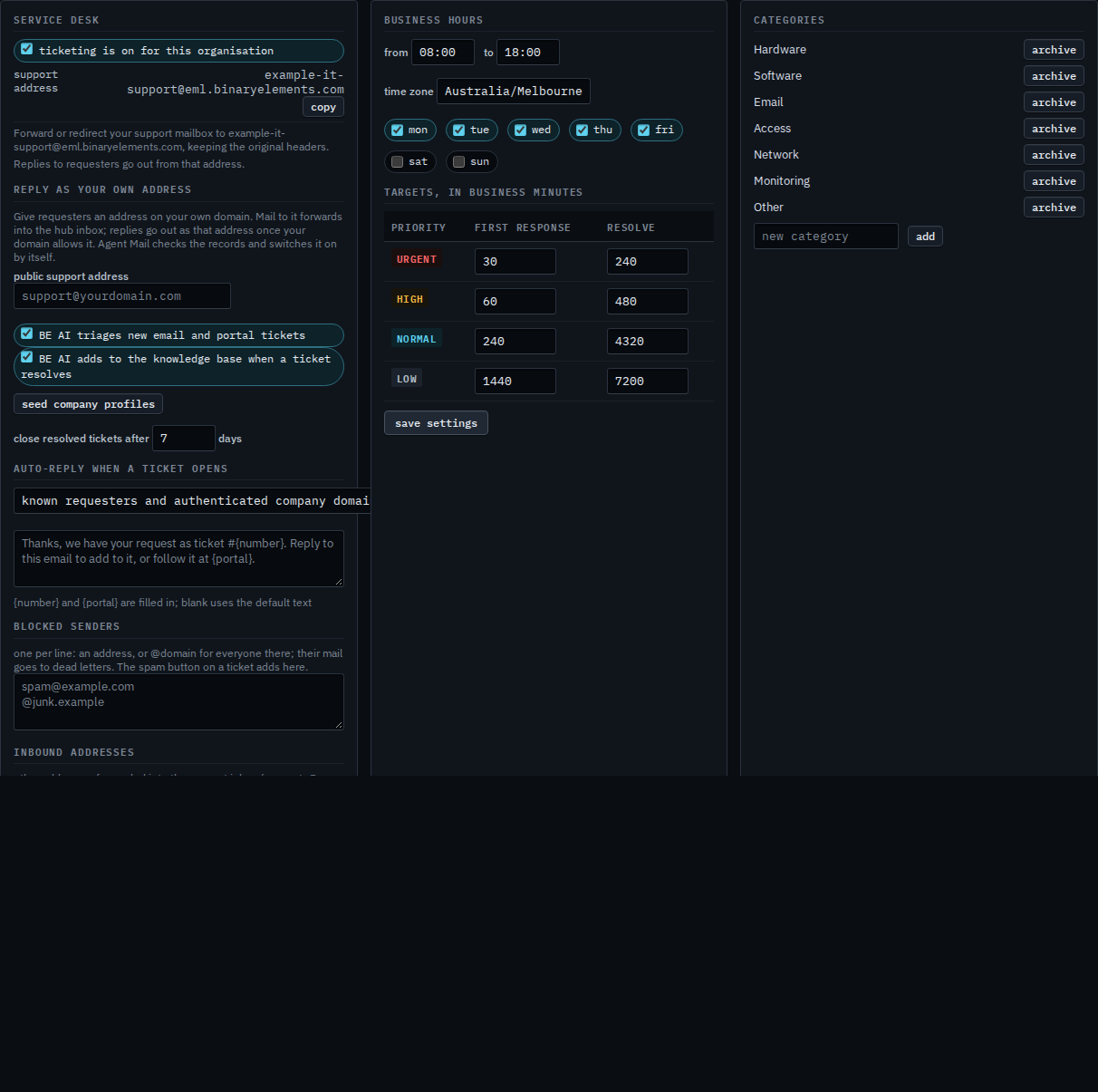
Resolved tickets close themselves after the number of days you set; a requester reply before then reopens. BE AI triage and automatic knowledge writes are the two switches at the top.