how-to · Tickets
Open this in the console
Work the ticket queue.
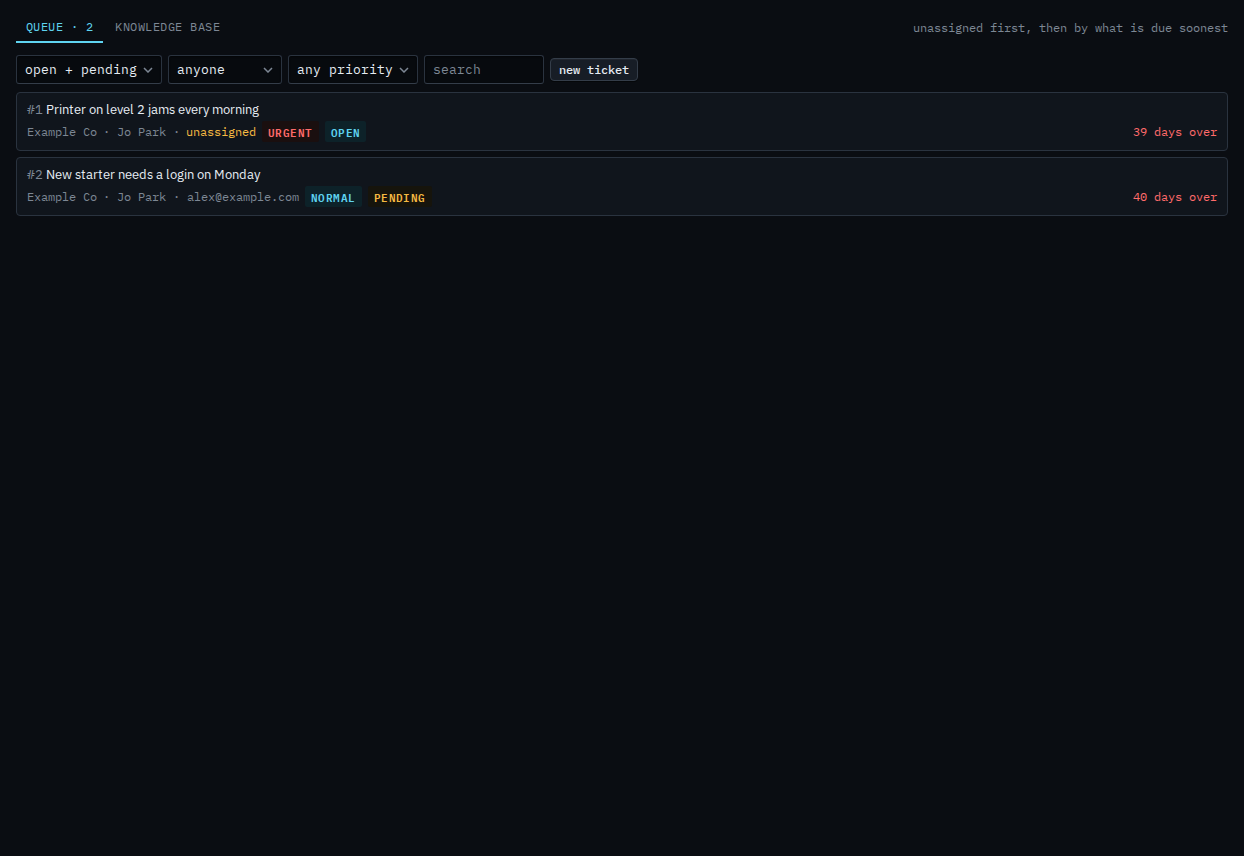
Tickets is the service desk. Every ticket a requester emails, raises on the portal, or an alert opens lands here. The queue shows who it is for, who has it, how urgent, and how long until a target is missed.
Amber means a target is within the hour. Red means it has been missed. Both are counted in business hours, so a ticket raised Friday evening does not go red over the weekend.
01
The queue
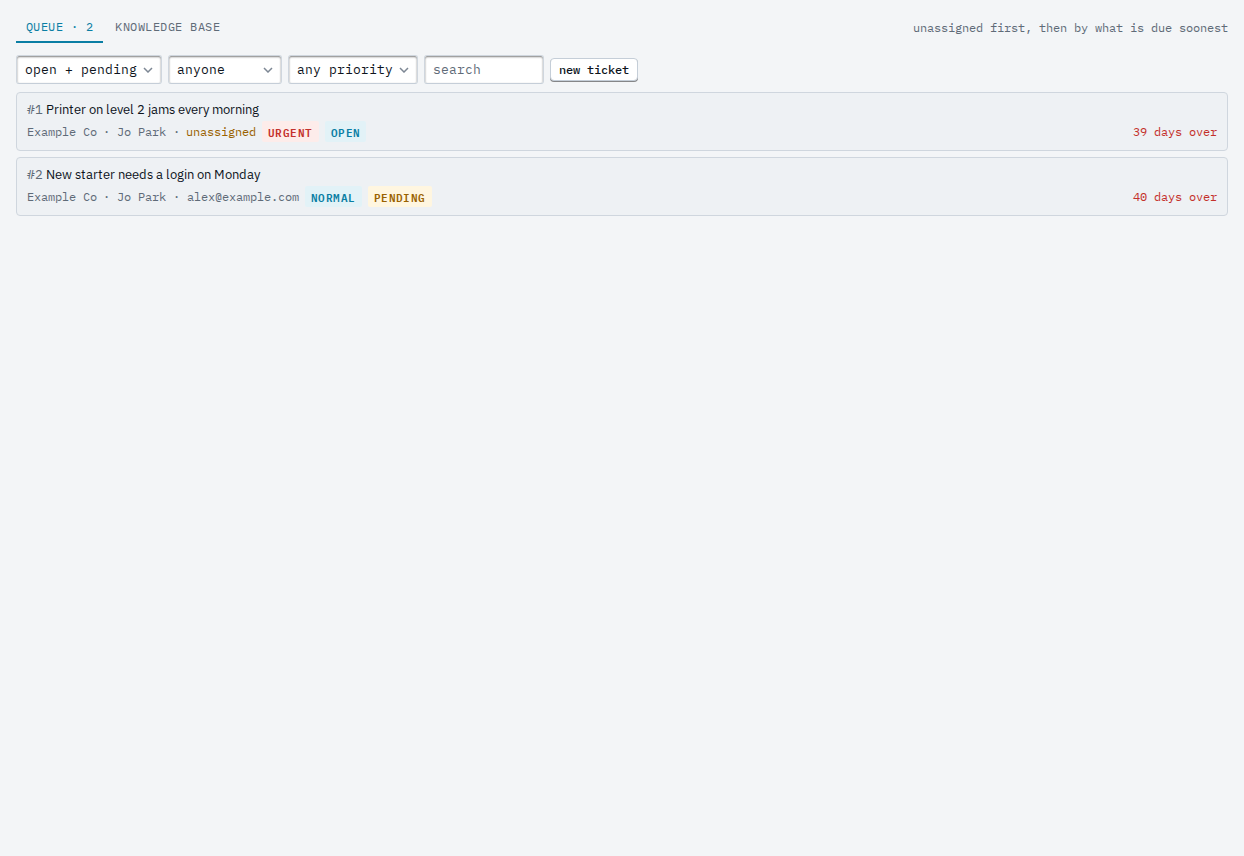
Open Tickets. Unassigned tickets sit at the top, then the rest by resolve target. Filter by company, status, who has it, priority, or words in the subject.
02
Open a ticket
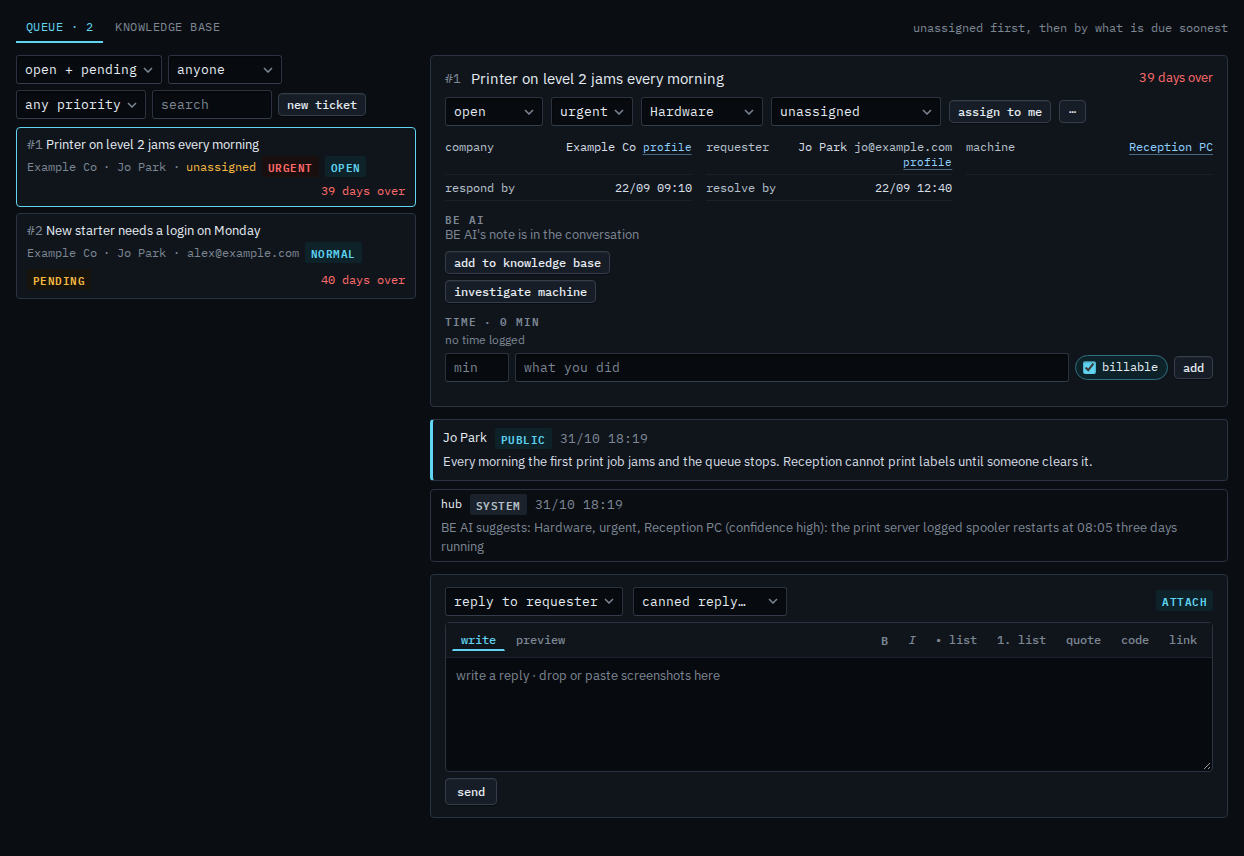
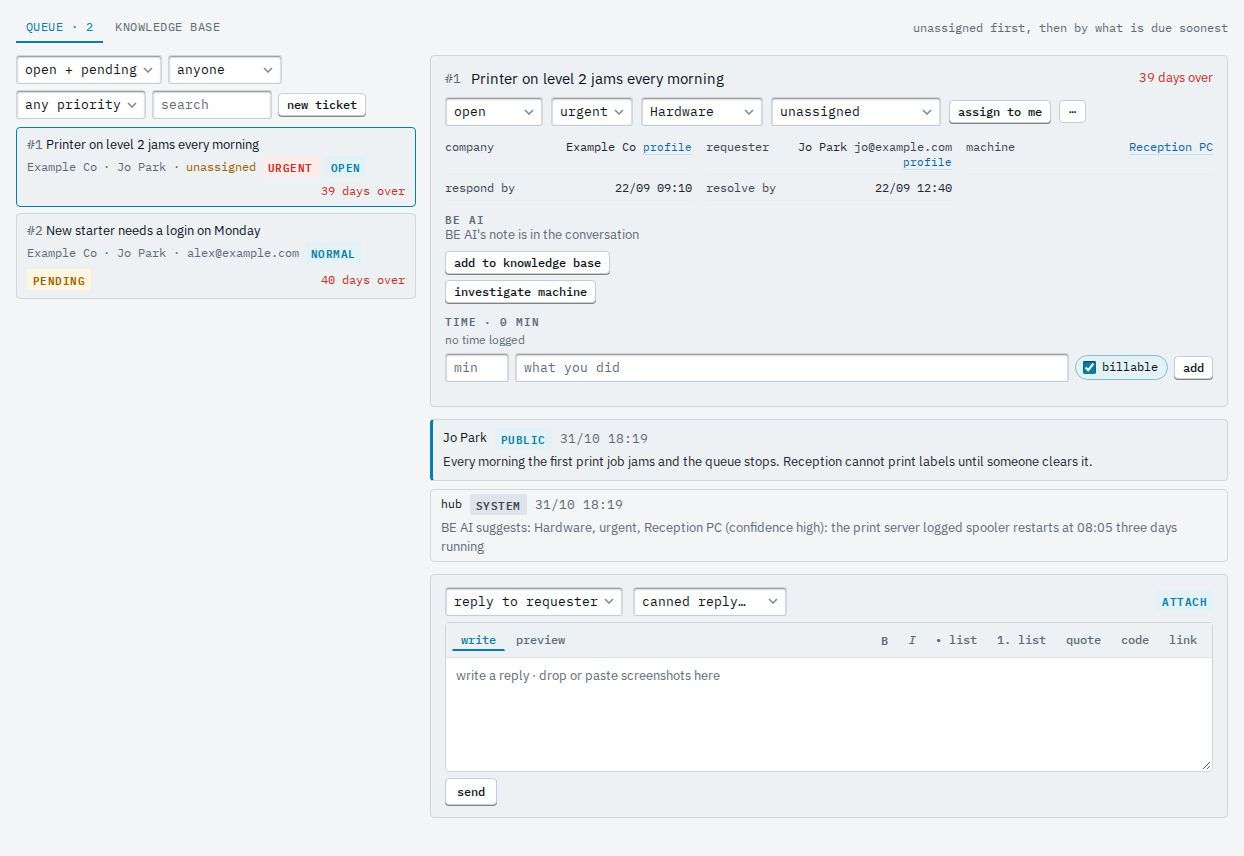
Press a row. The right side shows the conversation, the requester, the machine and the two targets. assign to me takes it; the status, priority and category selects change it on the spot.
Replying is Reply to a ticket. Where the email address comes from is Take tickets by email.